🔥 New Feature Announcement 3.16.26

We’re rolling out a few new updates that give creators better inbox control, more ways to organize their profile, and more ways to create.
Here's what's new 👇
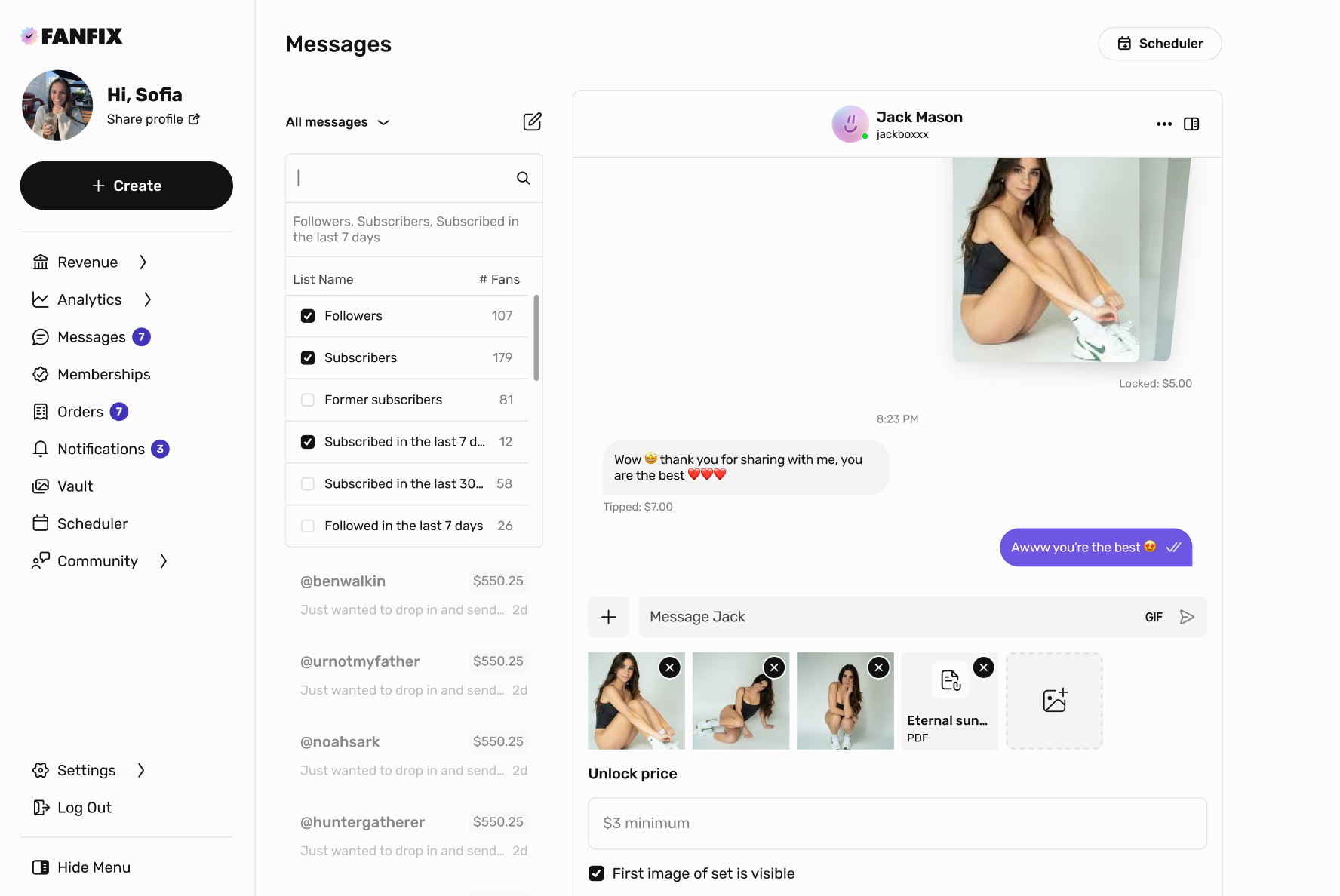
💬 Filter Messages By Fan Lists
Creators can now filter their inbox by specific fan lists directly inside Messages.
Whether you want to focus on current subscribers, reach out to recent subscribers, or re-engage former subscribers, you can now narrow your view instantly using this feature.
A simple way to manage conversations with more precision.
🗂 Post Collections
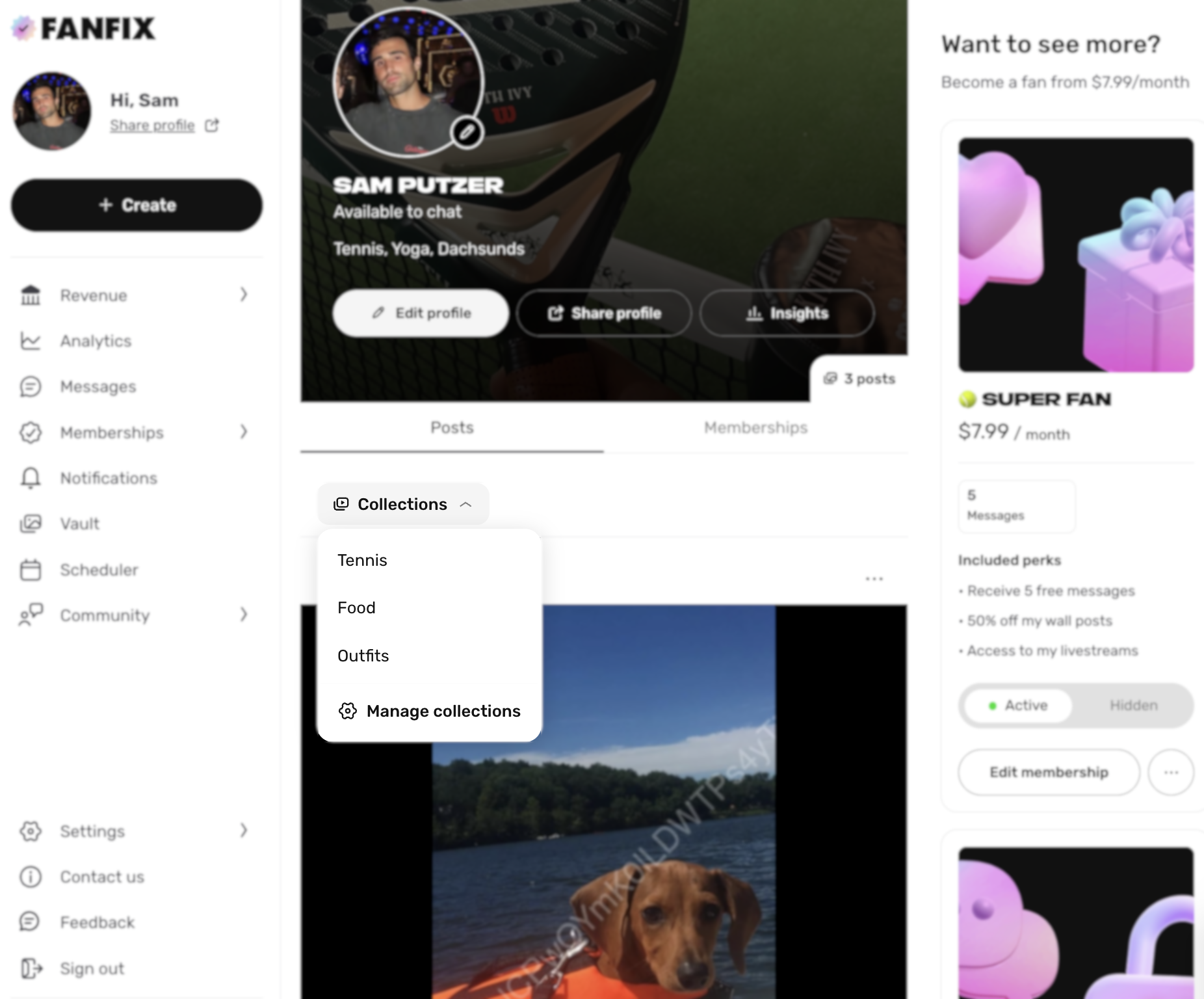
Creators can now organize posts on their profile into Collections.
You can group content into categories like workouts, outfits, food, travel, or anything else that fits your brand. Fans can then filter your profile by those Collections, making it easier to browse and discover the content they care about most.
To create a Collection, go to your profile and click “Collections.” To add a post, click the three dots on any post and select “Add to Collection.”
📂 Create Posts & Message Blasts from the Vault
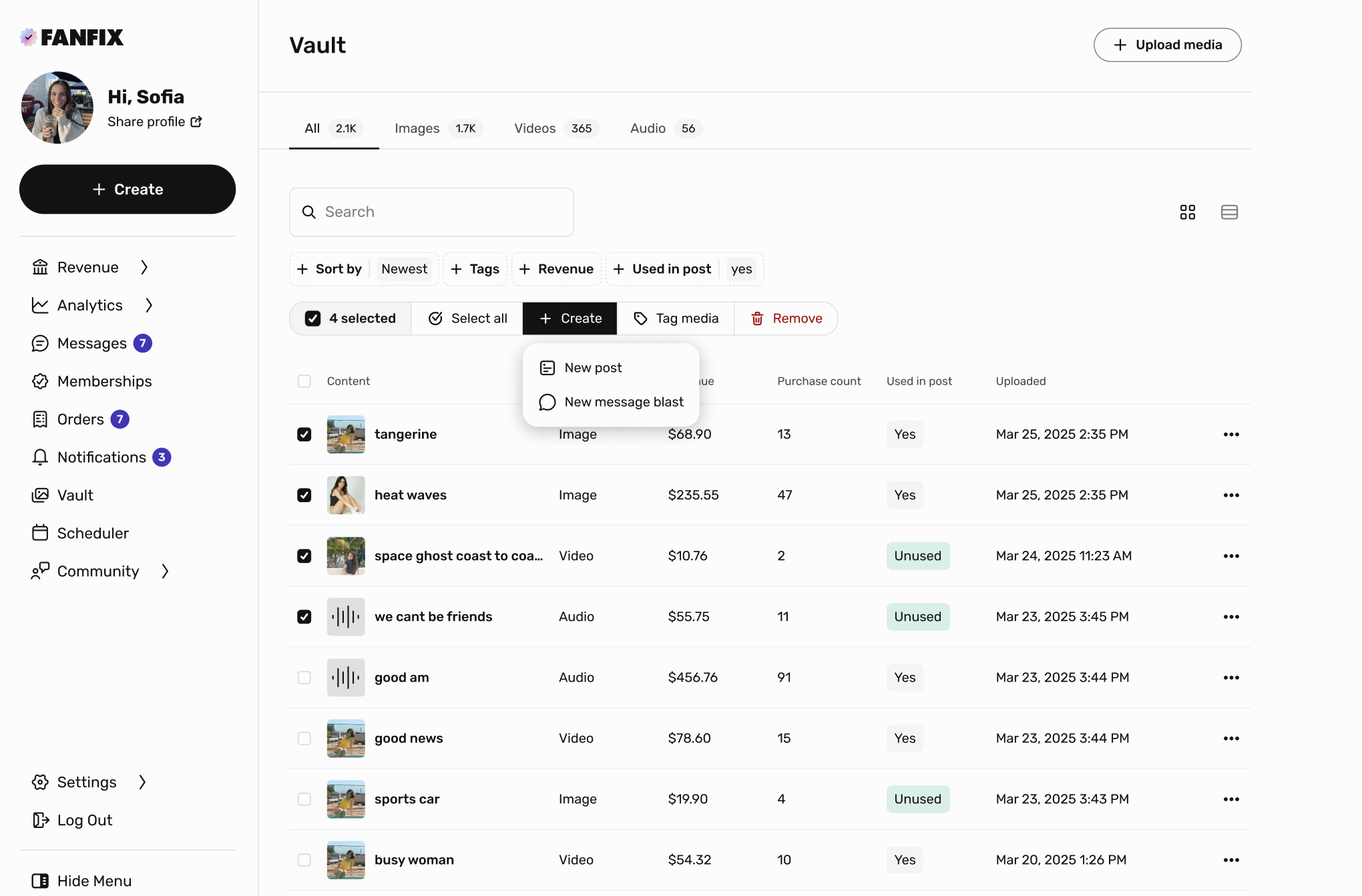
You can now create posts and message blasts directly from the Vault.
Select one or multiple pieces of content in your Vault, click Create, and choose whether you'd like to turn them into a new post or a new message blast.
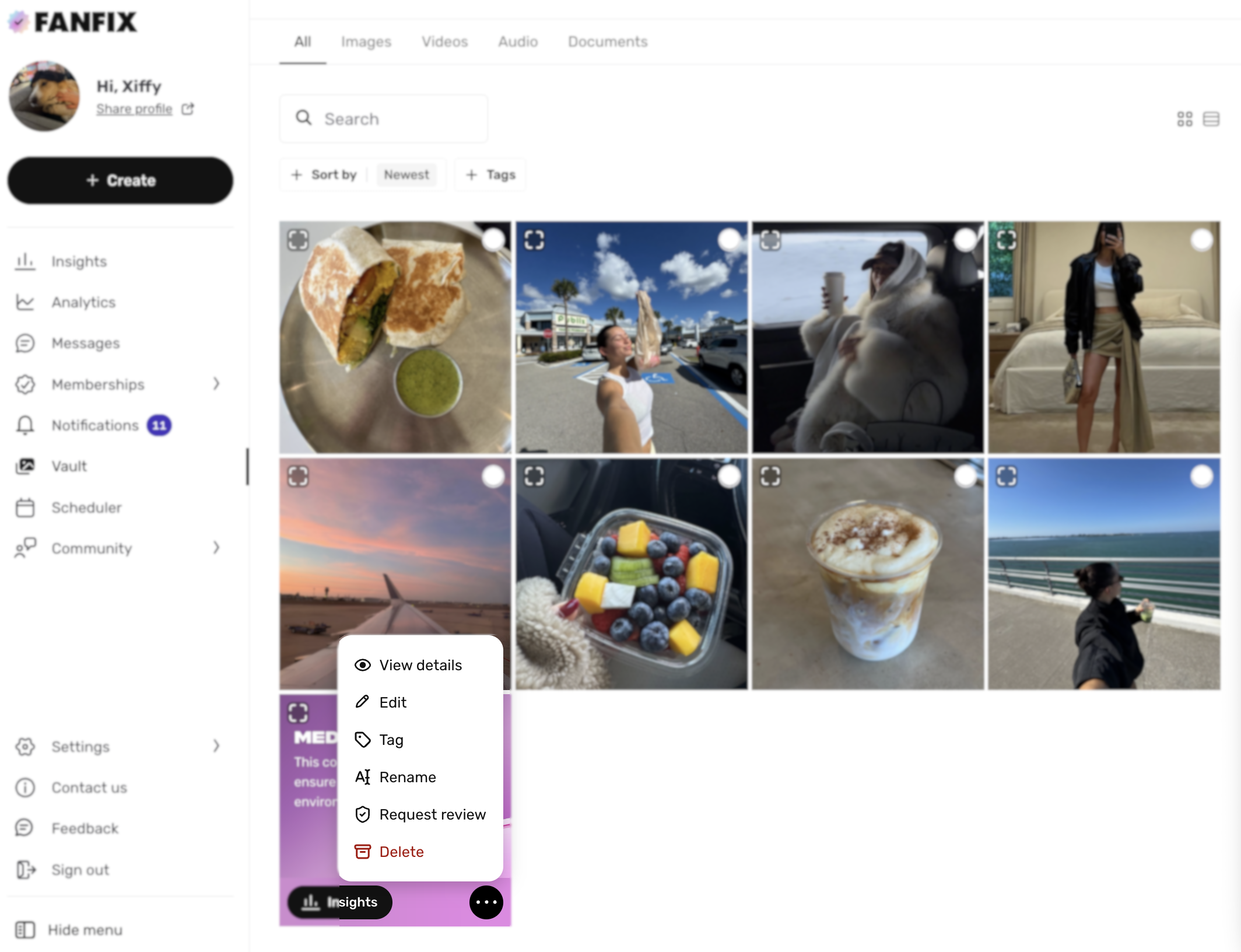
🛡️ Request Review for Moderated Content
Creators can now request a review if a piece of content is flagged by moderation.
In the Vault, click the three dots on the content and select Request review. Our team will then take another look.
Smarter messaging. Better organization. More ways to create — now live.