Creator Payouts: A Complete Setup Guide


How to Set Up Payouts on Fanfix
Fanfix’s new payouts system makes it easier to manage your earnings, connect your bank account, and withdraw funds directly from your Fanfix dashboard.
Before you can withdraw earnings, you’ll need to complete a few quick setup steps, including submitting tax information and adding a bank account.
Here’s how to set it up:
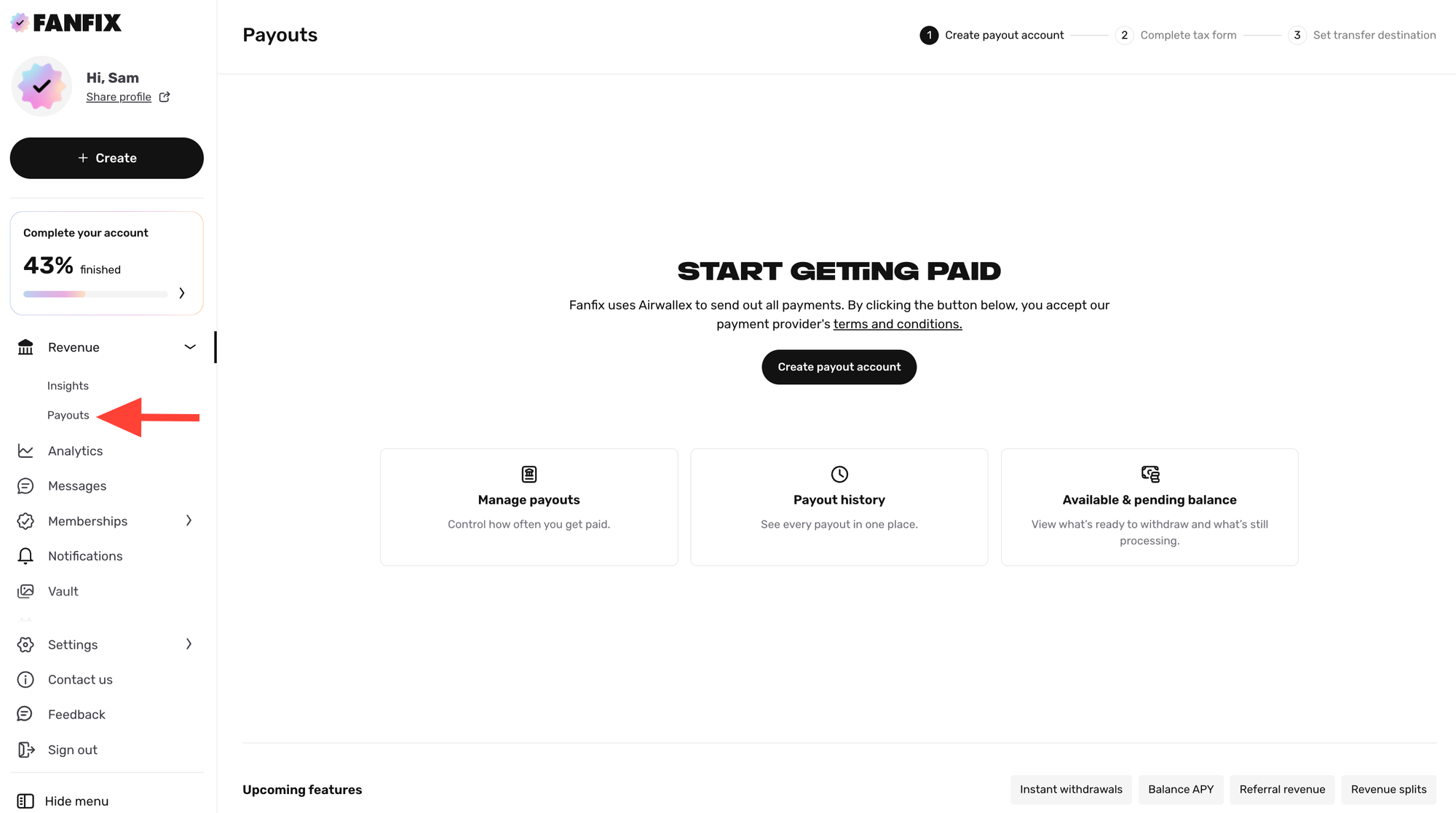
Step 1: Go to Revenue → Payouts
From your creator dashboard, navigate to Revenue → Payouts. This is where you’ll manage your payout setup, view your balance, and track payout history.
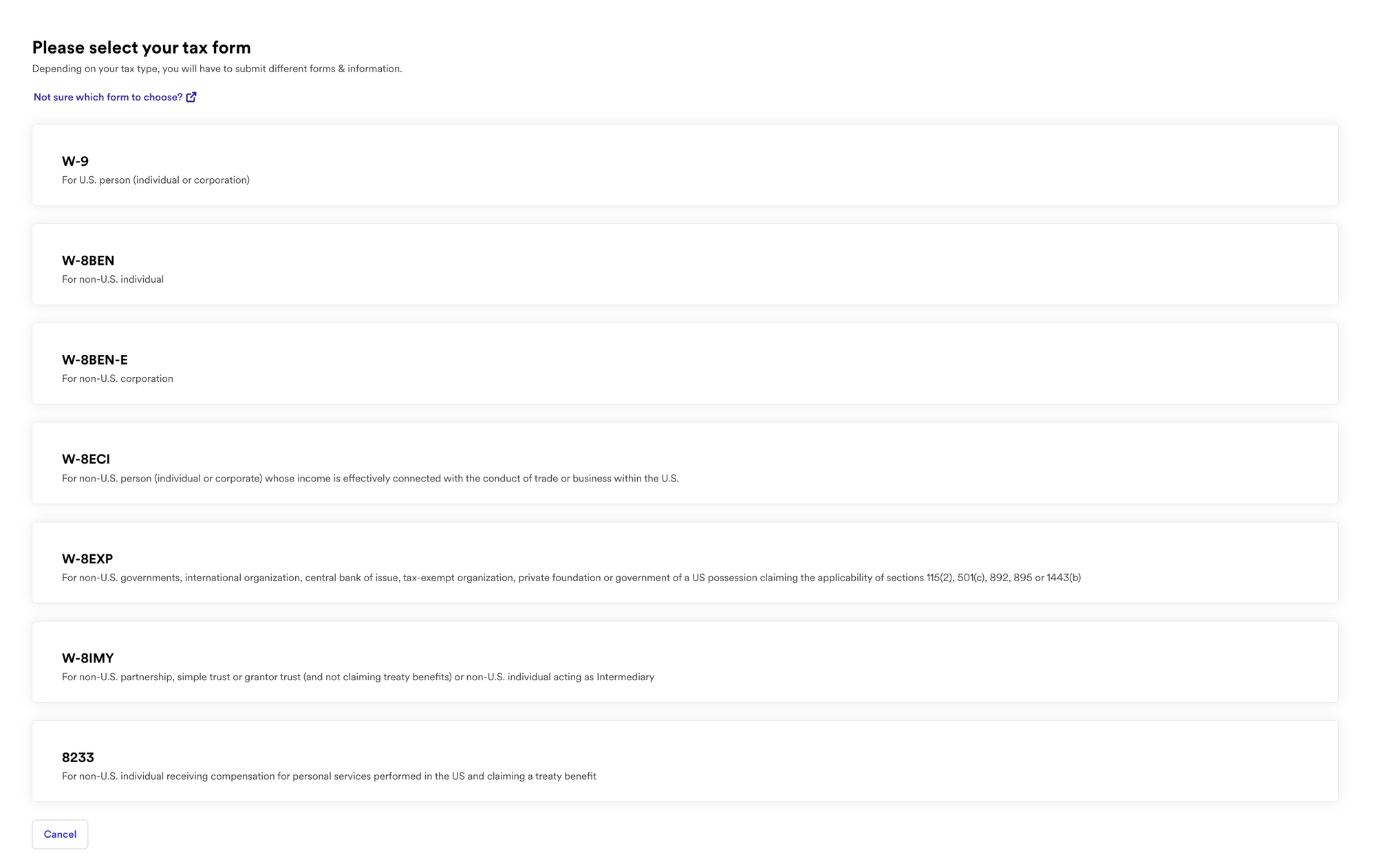
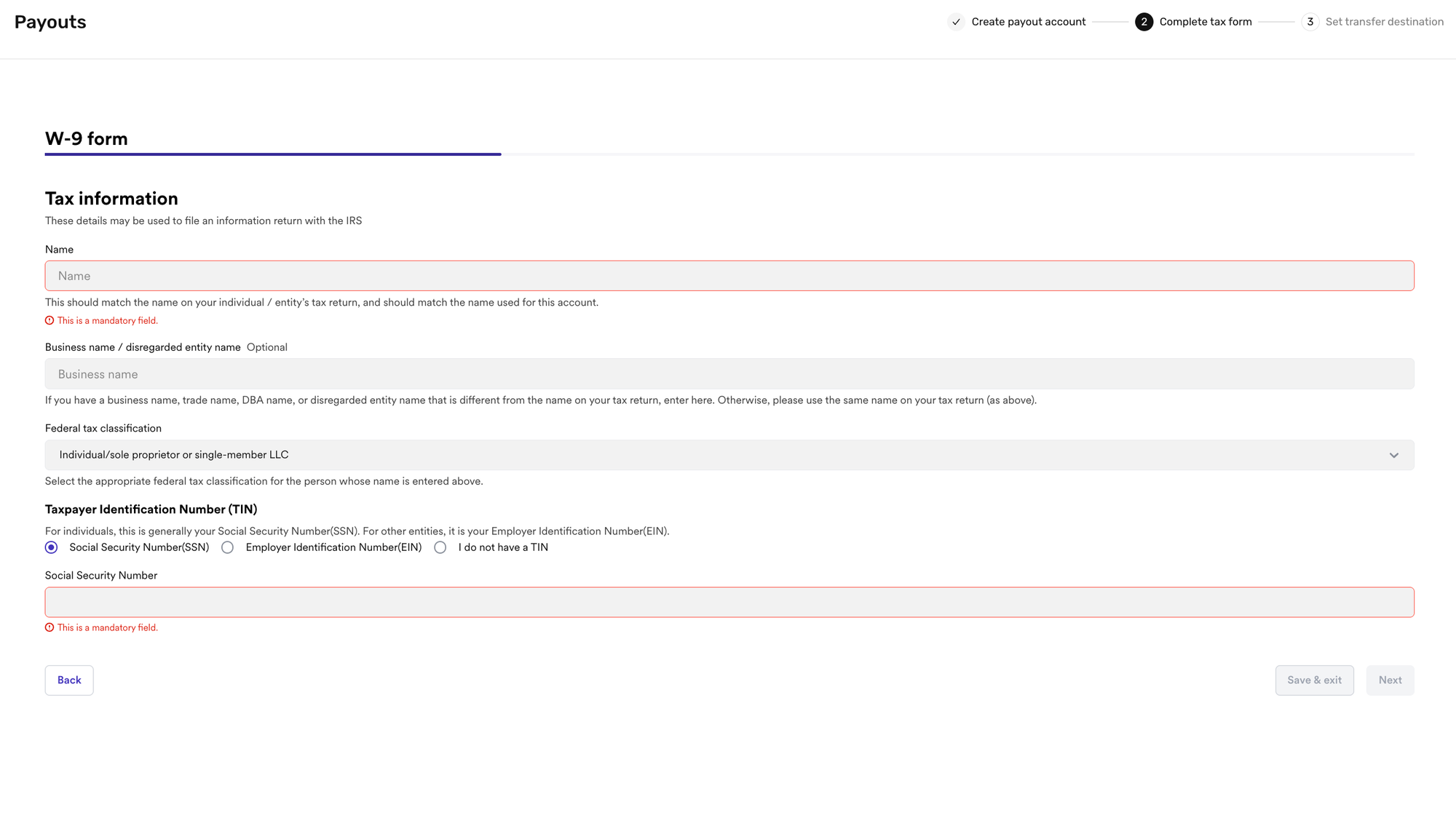
Step 2: Complete Your Tax Information
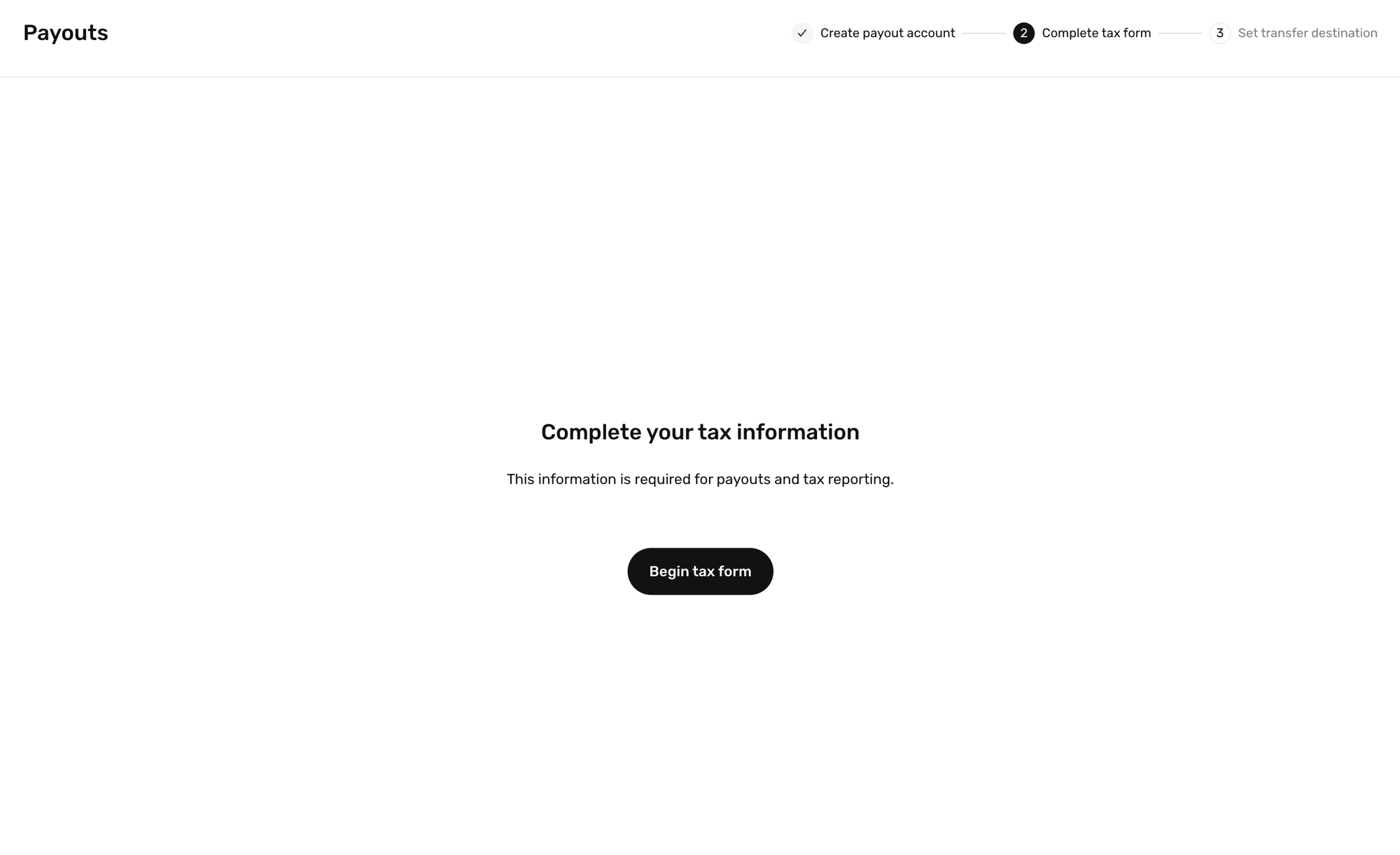
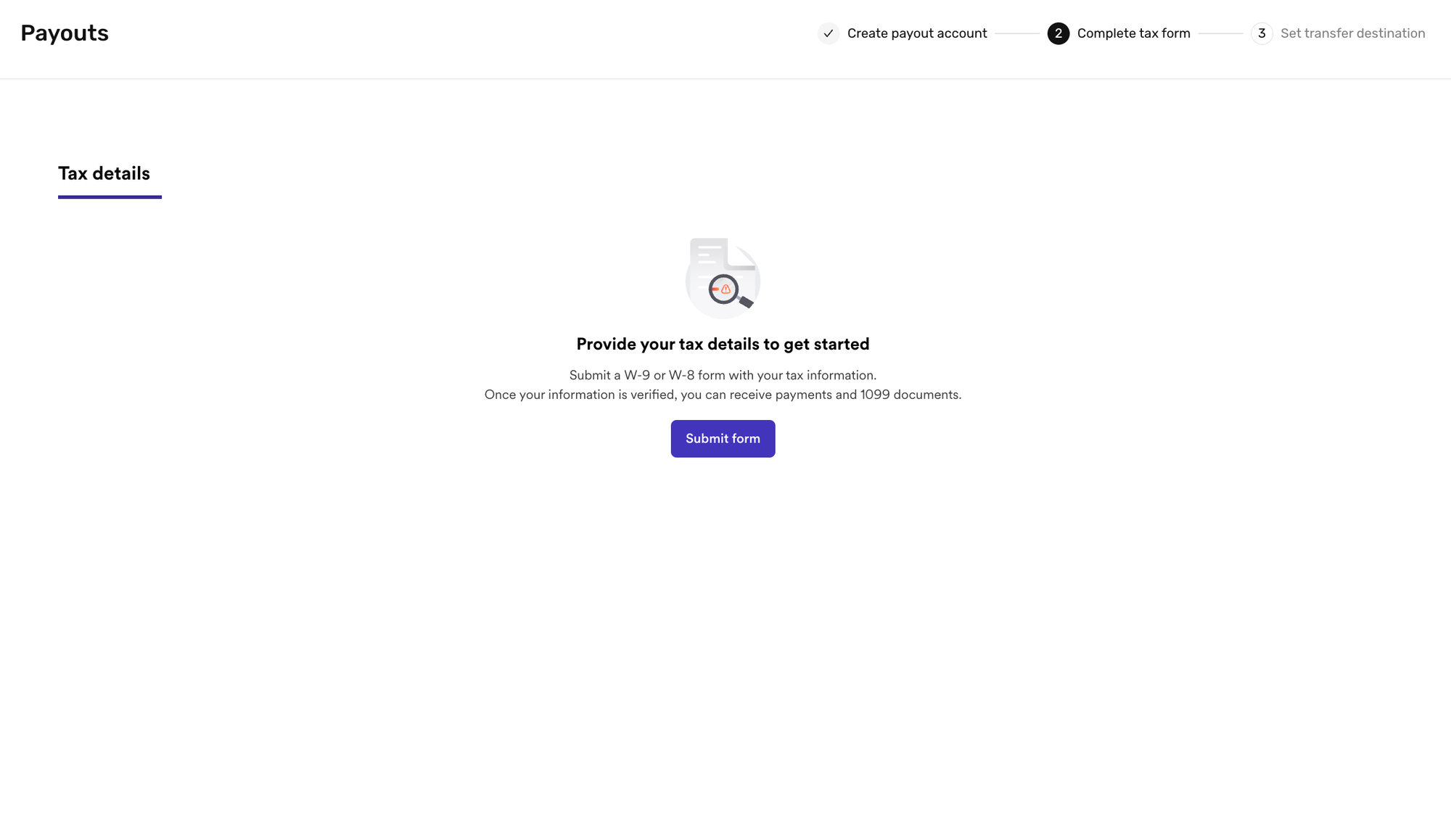
To start receiving payouts, you’ll first need to complete your required tax information. Follow the prompts in the payout flow and fill out the required fields.
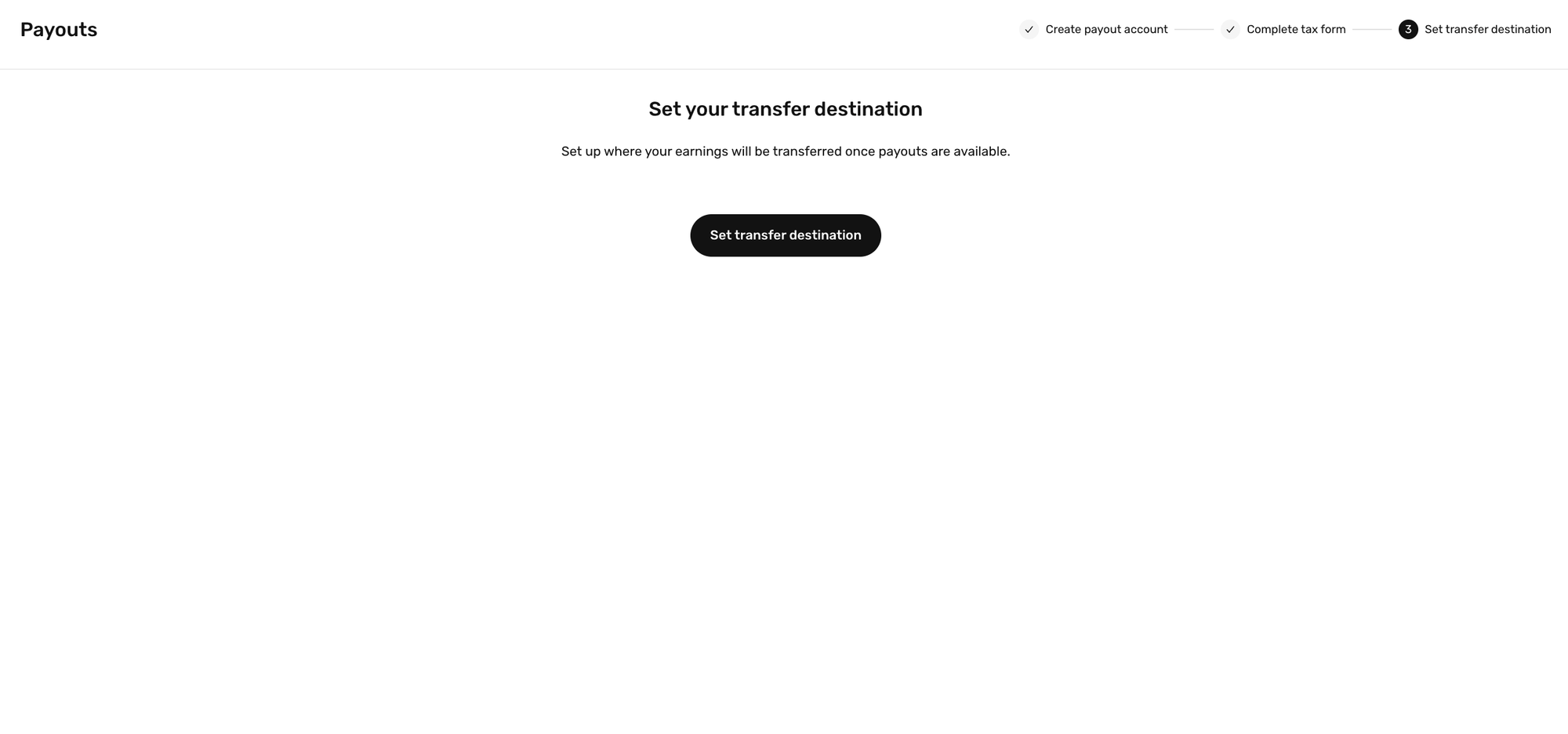
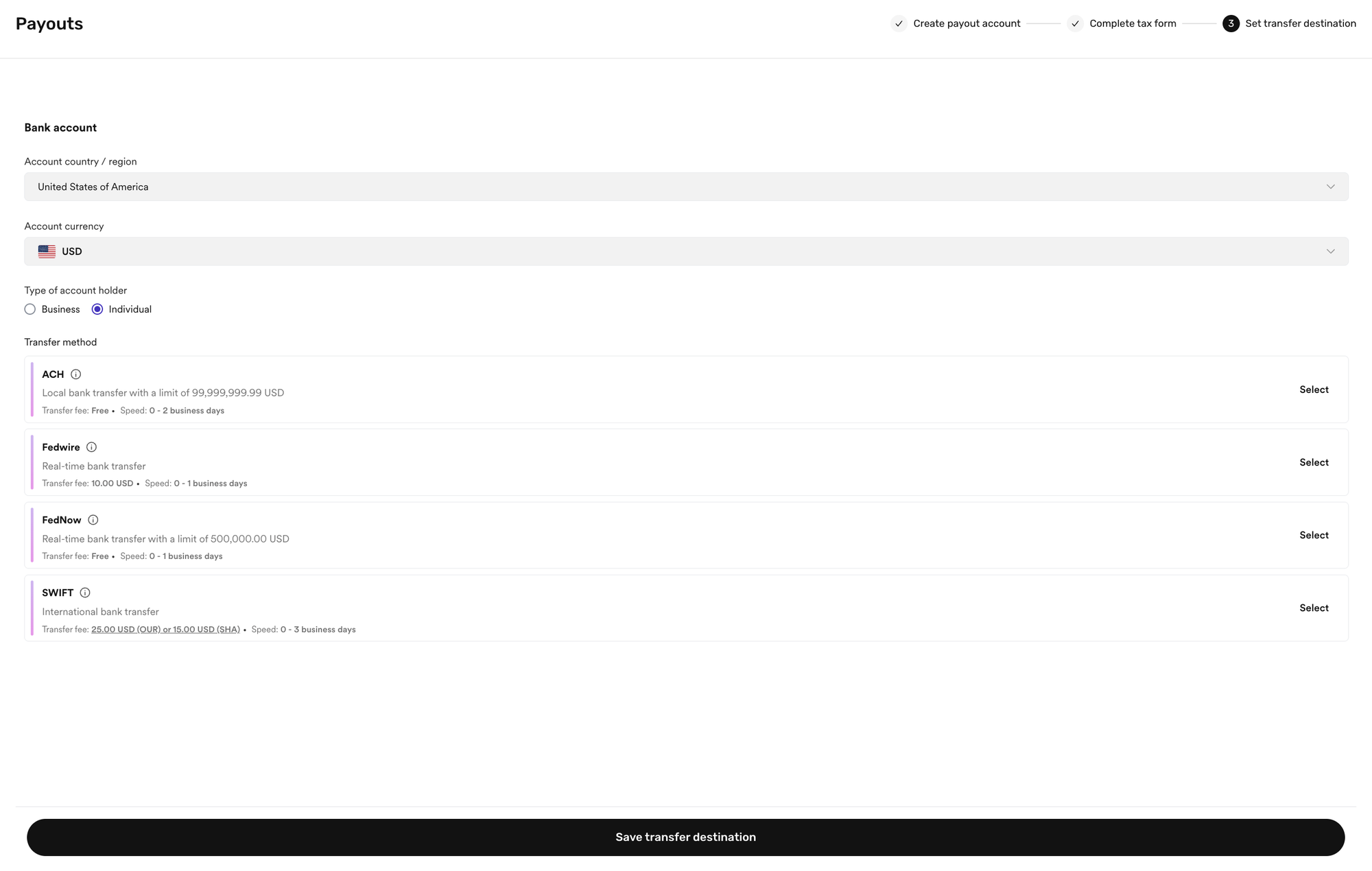
Step 3: Set Your Transfer Destination
After completing your tax information, the next step is to add your transfer destination. This is the bank account where your Fanfix earnings will be sent. Make sure all banking details are entered accurately before submitting.
Understanding Your Payouts Dashboard
Once your payout setup is complete, you can manage your earnings from Revenue → Payouts.
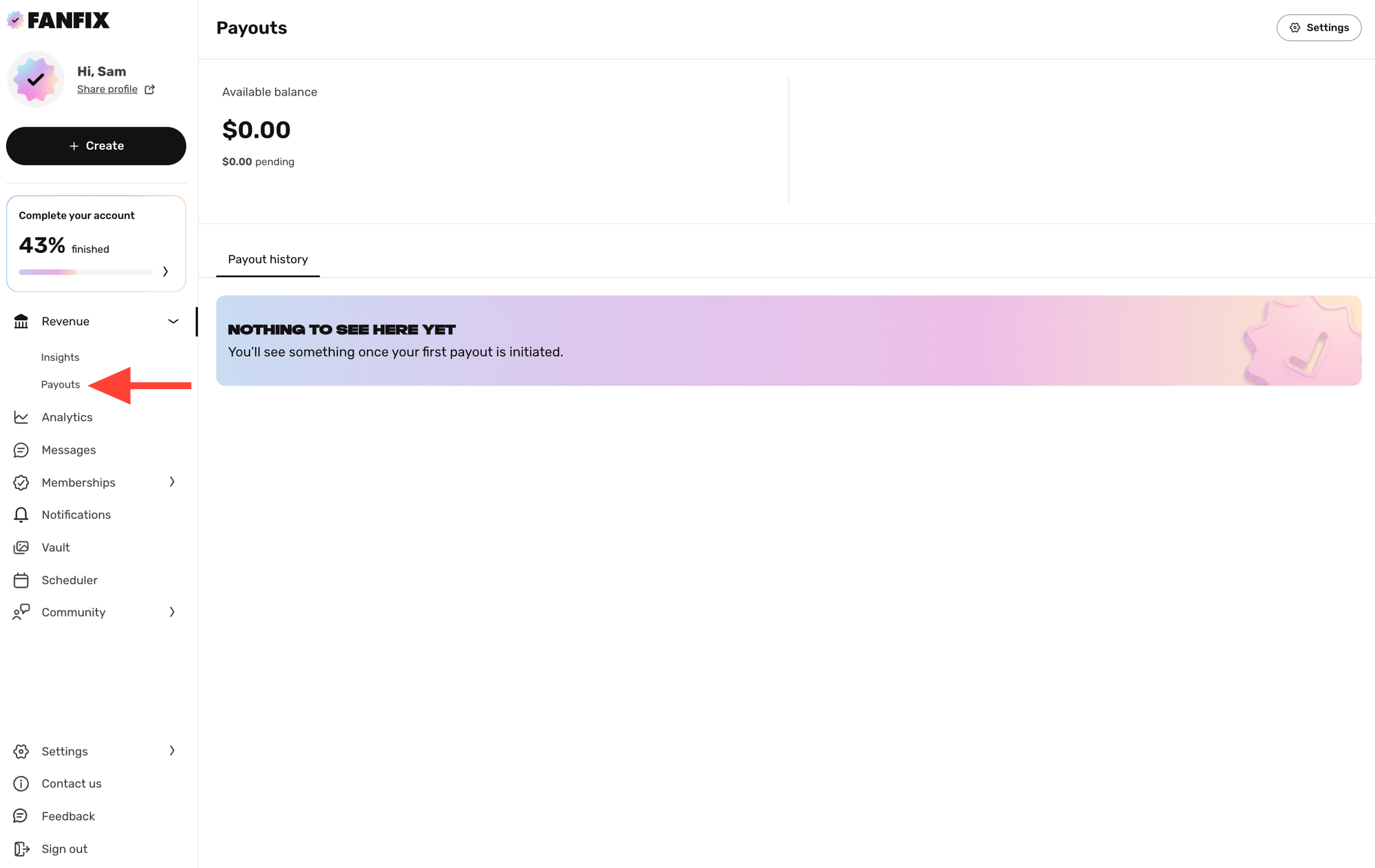
At the top of the page, you’ll see your current balance information:
- Available balance - This is the amount that has cleared and is ready to be paid out.
- Pending balance - This is the amount that is still processing.
Below your balance, you’ll see your Payout history. This is where you can view previous withdrawals once payouts have been initiated.
You can also click Settings in the upper right corner to manage your payout preferences.
From Payout settings, you can:
- Update your transfer destination - Change the bank account where your payouts are sent.
- Change your recurring payout cadence - Choose how often you want payouts to be sent to your bank account, including monthly, bi-weekly, or weekly.
A Few Things To Know
You can still begin earning on Fanfix before payout setup is complete. Your earnings will remain safely in your balance until your payout details are finalized.
Withdrawals will only be enabled once your setup is complete, including tax information and bank account details.
You're All Set
Once your payout setup is complete, you’ll be ready to manage your earnings and withdraw funds directly from Fanfix. We’ll continue adding more payout features over time, including additional withdrawal options, revenue splits, and referral earnings.