🔥 New Feature Announcement 1.7.26


We’re excited to roll out a few new updates that make creating on Fanfix even better - from Dark Mode and a full-page Create flow, to OBS multi-streaming, smarter messaging tools, and better ways to understand what content performs best.
Here's what's new 👇
🌙 Dark Mode
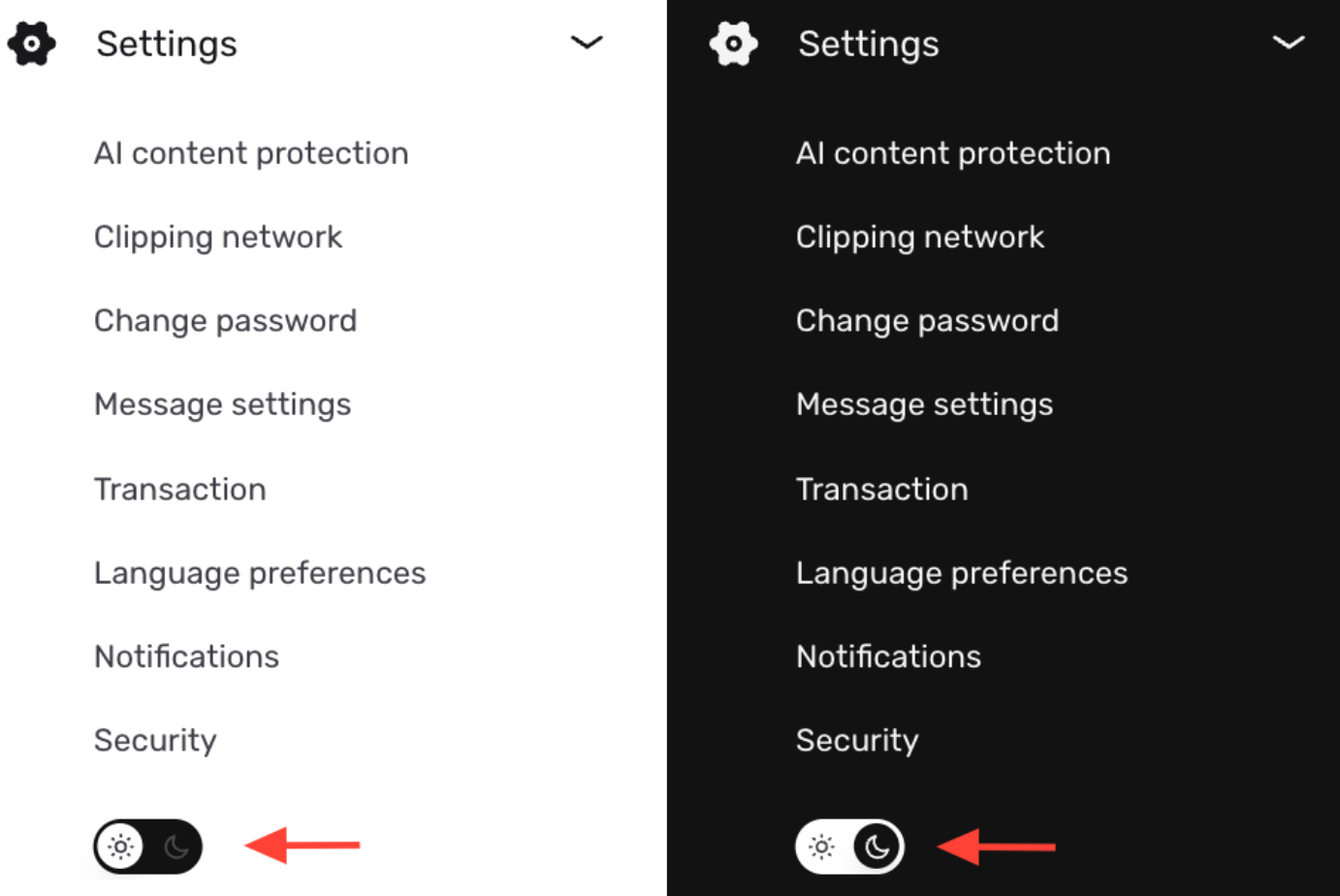
Dark Mode is now available on Fanfix, giving you the option to switch to a darker theme for a more comfortable viewing experience. You can manually toggle it on or off from Settings, and once enabled, your theme stays consistent across the platform.
🎨 Full-Page Create Experience
We've refreshed the Create experience on Fanfix.
Historically, when you hit Create, the flow appeared in a smaller pop-up window. The new version now opens as a full-screen view, making it much cleaner and easier to preview content while posting. It’s purely visual — all functionality stays the same, just in a more streamlined layout.
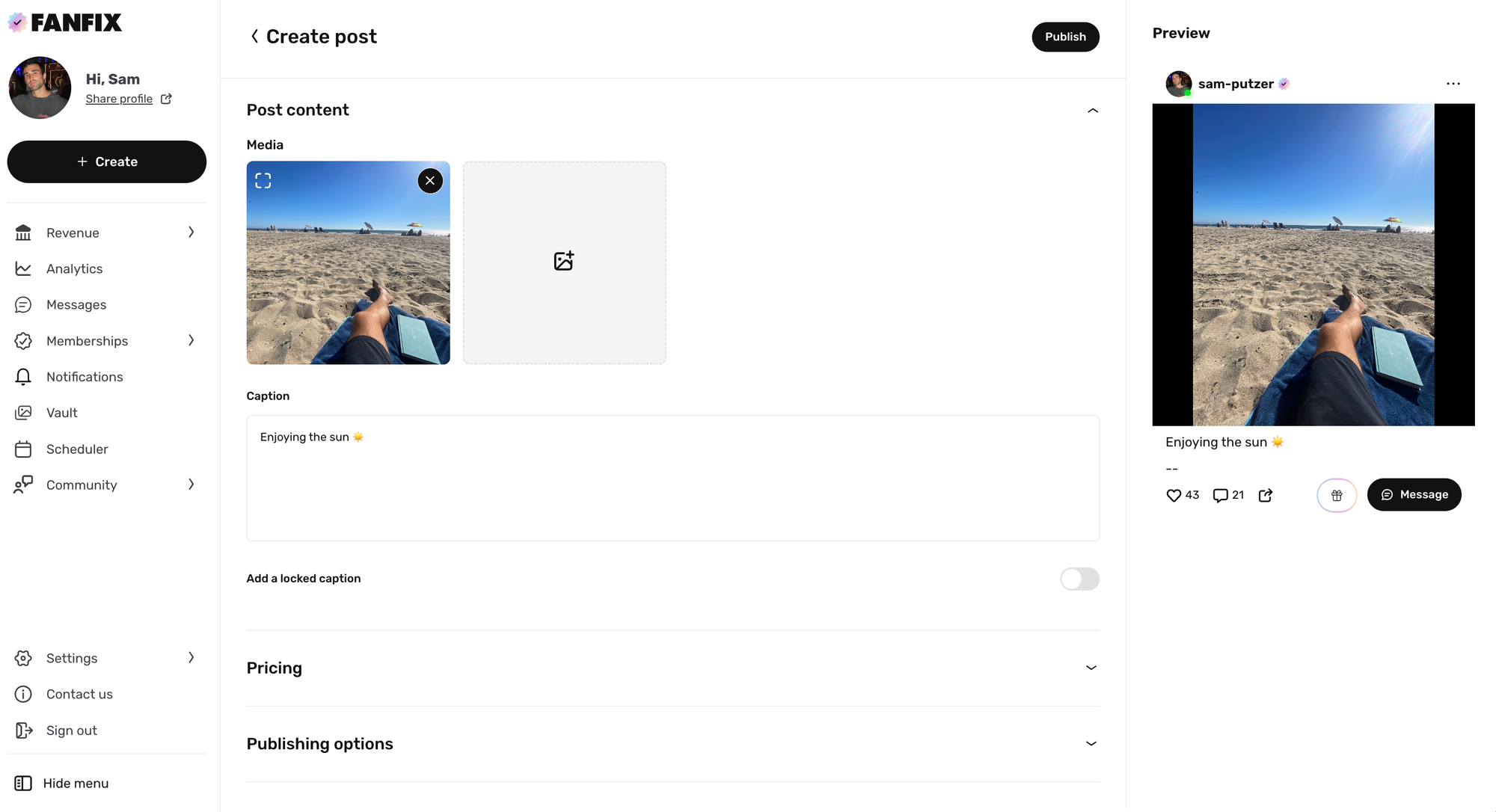
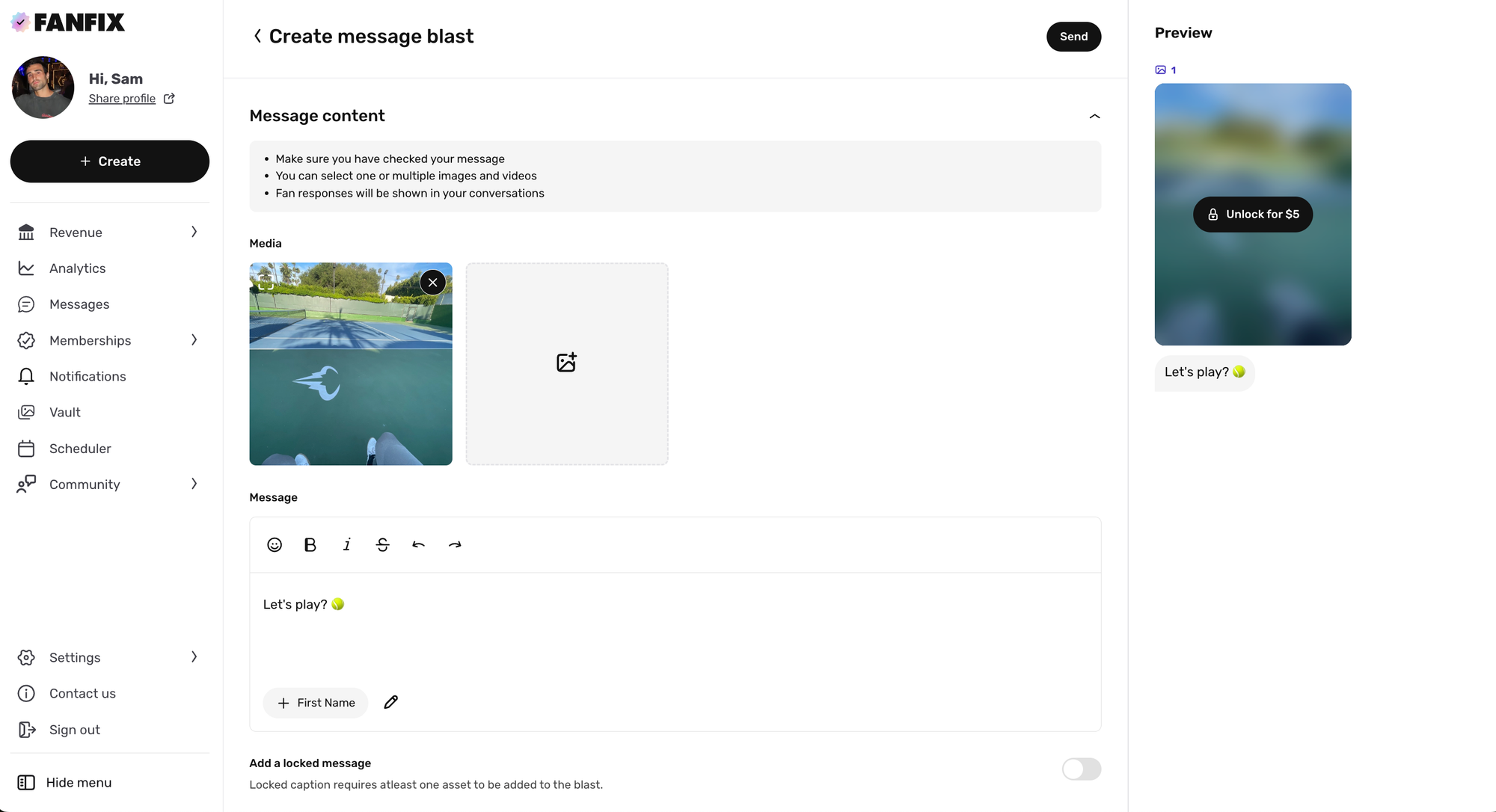
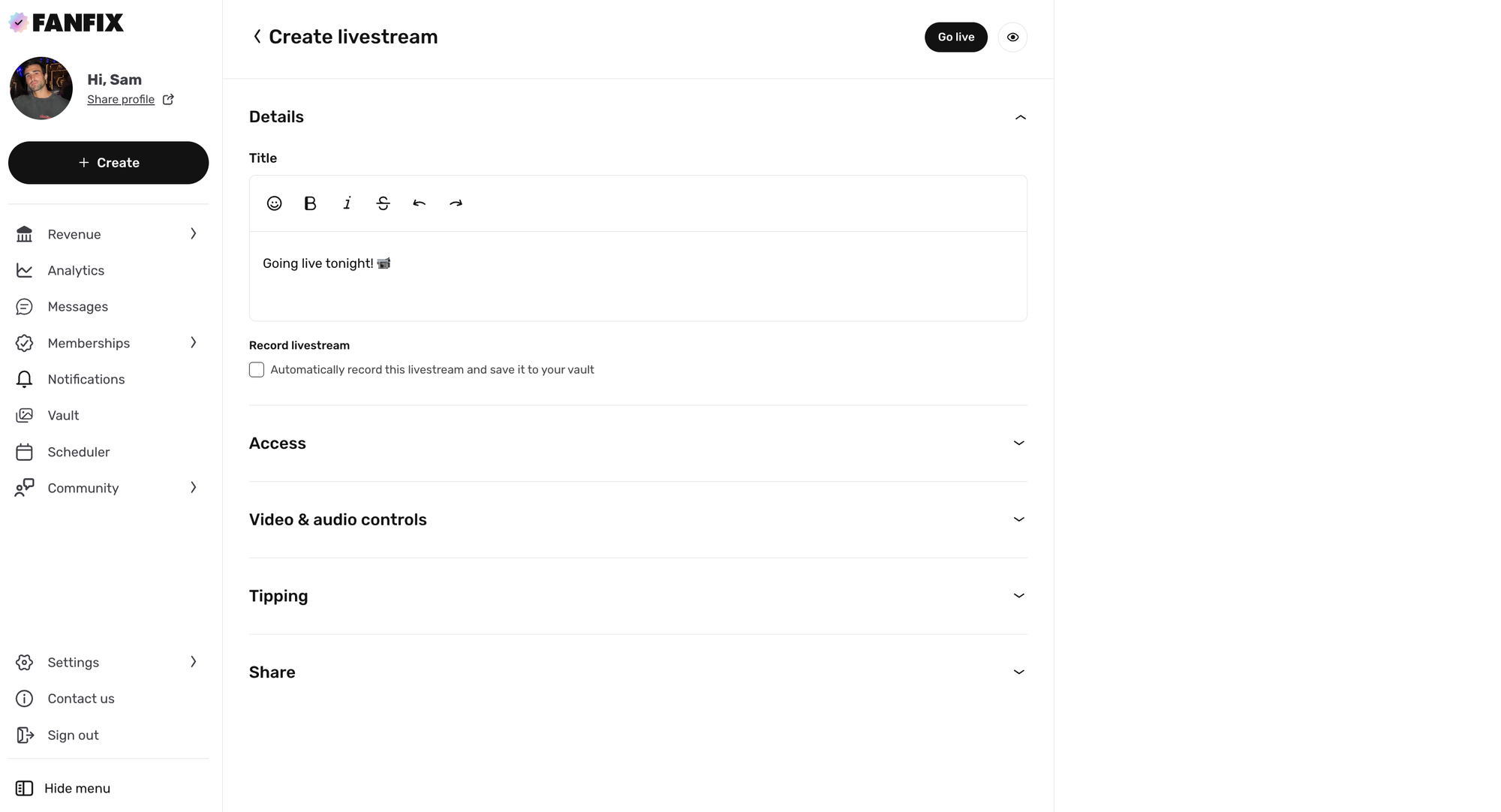
A better setup for creating, start to finish.
📡 Multi-Streaming Support via OBS
You can now multi-stream to Fanfix using OBS - going live on Fanfix and platforms like Twitch at the same time, from one setup
This makes it easy to reach multiple audiences at once without changing your existing workflow. Set it up once in OBS, start your stream, and Fanfix will pick it up alongside your other platforms.
 Sam Putzer
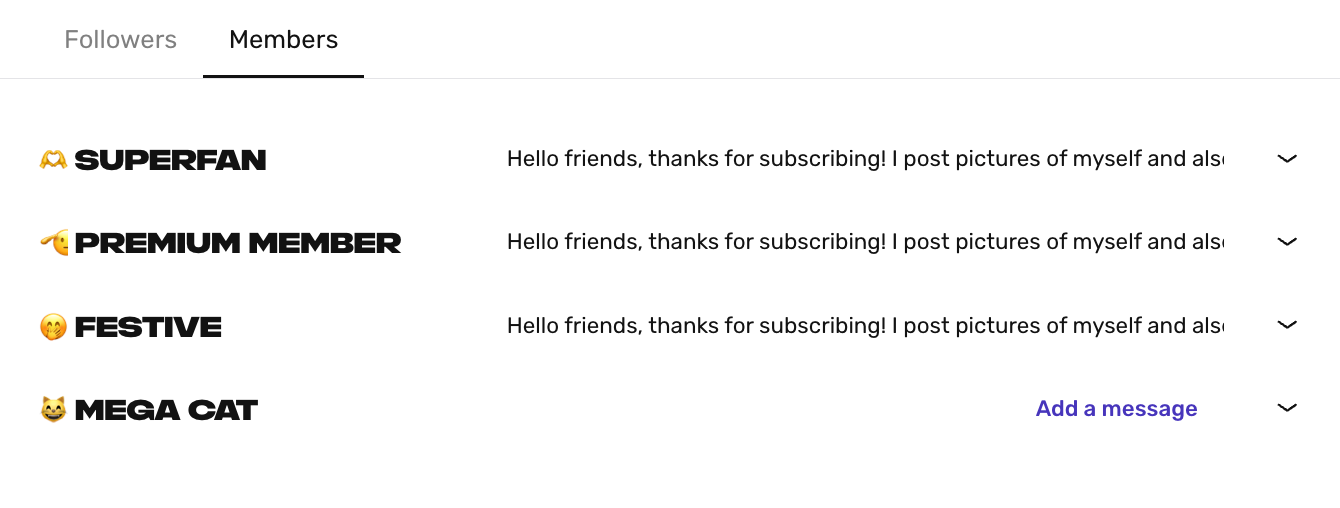
💬 Multiple Welcome Messages
Creators can now set multiple automated welcome messages, customized for followers and each subscription tier.
Creators can now personalize how fans are greeted depending on whether they follow your page or subscribe — and which tier they choose.
Head to Settings → Message settings to configure your automated welcome messages.
🌍 Automatic Language Preferences
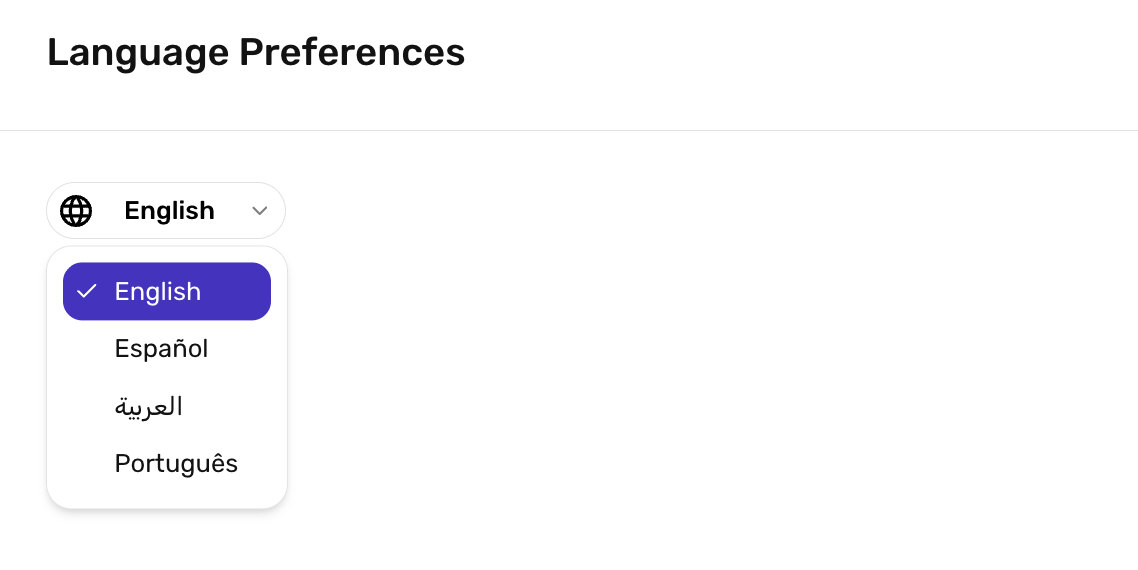
Fanfix now automatically selects your default language based on location, with the ability to manually update it anytime from Settings → Language preferences.
📊 New Vault Filters
Creators can now sort assets in their Vault by Total Paid and Purchase Count, making it easier to see which content is performing best. Quickly surface top-earning media, identify what fans buy most, and make smarter decisions about what to post, bundle, or promote next.
✂️ Clipping Network
Fanfix’s Clipping Network, powered by Superclip, connects creators with a community of thousands of trusted clipper accounts (25K–5M followers) to help amplify content across platforms. You can now access it from Settings → Clipping network
 Sam Putzer
These updates are now live for all creators, with more improvements coming soon!