Guides
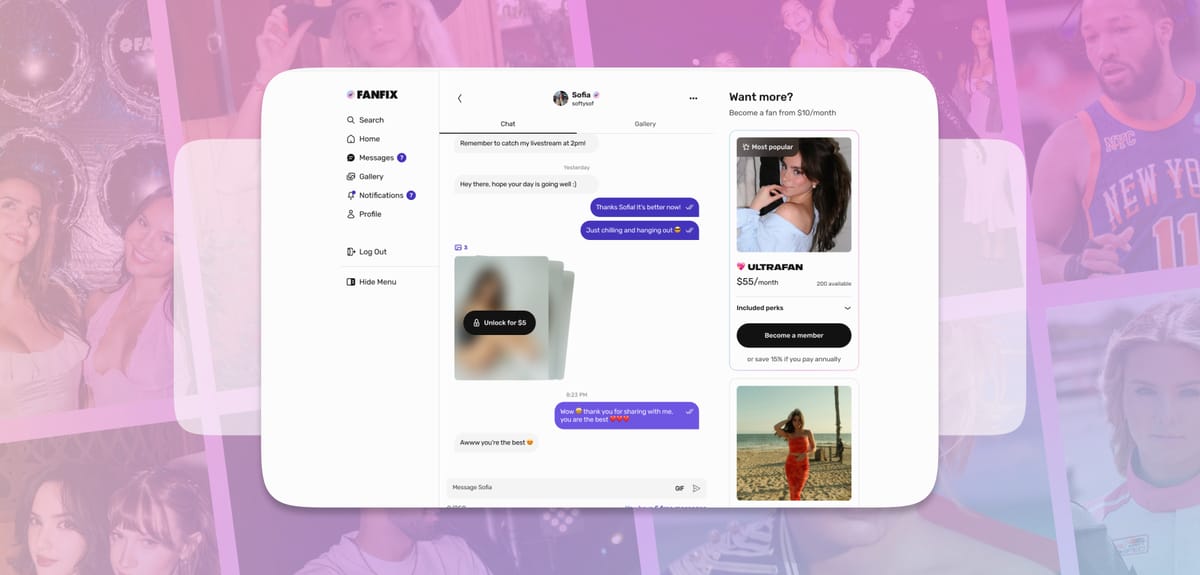
Multi-Streaming with OBS: A Complete Setup Guide
Creators can now multi-stream on Fanfix using OBS—so you can go live on Fanfix while streaming to platforms like Twitch or YouTube at the same time. With a single OBS setup, you can reach multiple audiences without changing your existing workflow. Here’s how to set it up: Step
 Sam Putzer
Livestreaming with OBS: A Complete Feature Guide
Creators can now stream on Fanfix using OBS Studio or other livestreaming tools like Streamlabs. This allows you to use external cameras, audio interfaces, overlays, and more advanced setups directly in your Fanfix livestream. Here’s how to set it up: Step 1: Start Your Livestream on Fanfix 1. Go
 Sam Putzer
Introducing Promo Codes: A Complete Feature Guide
We’re excited to roll out Promo Codes — a new way for creators to grow their audience, reward loyal fans, and drive more sign-ups on Fanfix. With Promo Codes, you can easily offer discounts on your membership tiers — helping convert new fans and re-engage existing ones. Here’s how it works
 Richie Decena
Introducing 1:1 Livestreams: A Complete Feature Guide
We’re excited to roll out 1:1 livestream calls — a whole new way for creators and fans to connect. Whether you’re offering personal coaching, hosting private Q&As, or simply having a real-time conversation, 1:1 livestreams make interactions more intimate, valuable, and engaging. Let’s take a
 Richie Decena
🎥 Livestream Like a Pro: Essential Tips and Tricks
So you’ve decided to hit that “Go Live” button—heck yes! Whether you’re sharing hot takes, playing games, or just hanging out with your community, livestreaming is an awesome way to connect in real time. But before you dive in headfirst, let’s make sure your stream doesn’t
 Richie Decena
Introducing Our Newly Redesigned Messaging UI: A Complete Feature Guide
We’re excited to unveil our brand-new messaging UI — redesigned from the ground up to offer creators more insight, flexibility, and control when engaging with their fans. Whether you’re replying to messages, managing VIPs, or offering exclusive content, our new interface gives you the tools to make every interaction more
 Richie Decena
📊 Where Do Your Analytics Live?
Welcome to the land of insights, numbers, and oh wow, I made how much?! Today, we’re taking a quick (and fun) stroll through where all your Analytics live as a creator. Because knowing what’s working = doing more of that = more fans and more money. 🧭 Step 1: Where the
 Richie Decena
🎉 Unlocking More Revenue with Membership Tiers
Let’s be real—if you’re a creator, chances are you’ve thought about offering membership tiers but got lost somewhere between “should I even do this?” and “idk what to even name them.” Well, good news: not only should you set up tiers—you’ll actually make 10%
 Richie Decena
🔐 How to Protect Your Content with Watermarks as a Creator
Your content is valuable—your creativity, effort, and originality deserve protection. That’s why watermarking your images is an essential step in safeguarding your work on the platform. In this guide, we’ll walk you through how easy it is to add watermarks to your images and use built-in tools
 Richie Decena